How to Launch Your First TikTok Ads Campaign
Starting your first TikTok ad campaign can be exciting but requires careful planning. By understanding the steps and preparing in advance, you can avoid common mistakes and maximize your advertising success.
1. Set Up Your TikTok Business Account
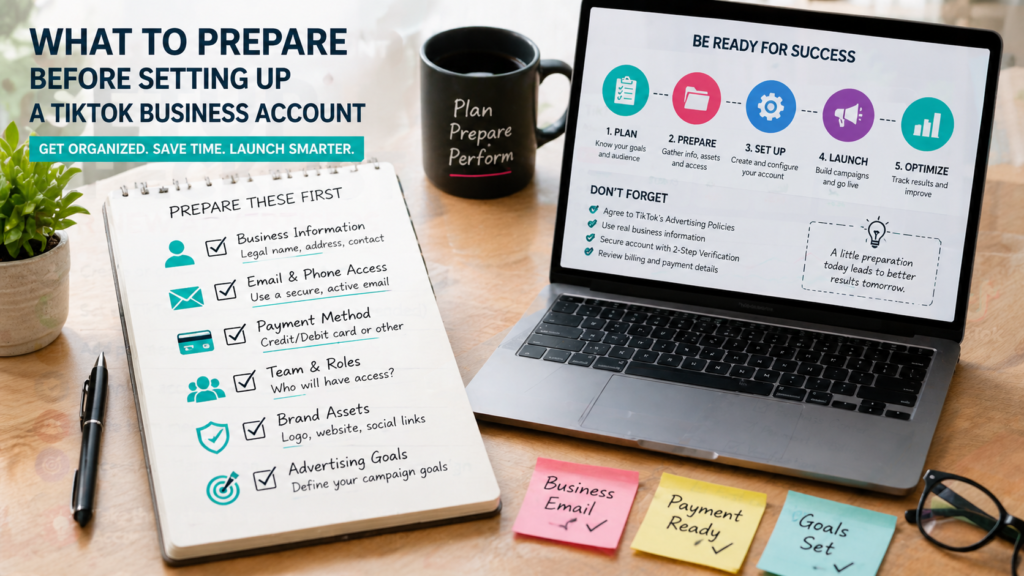
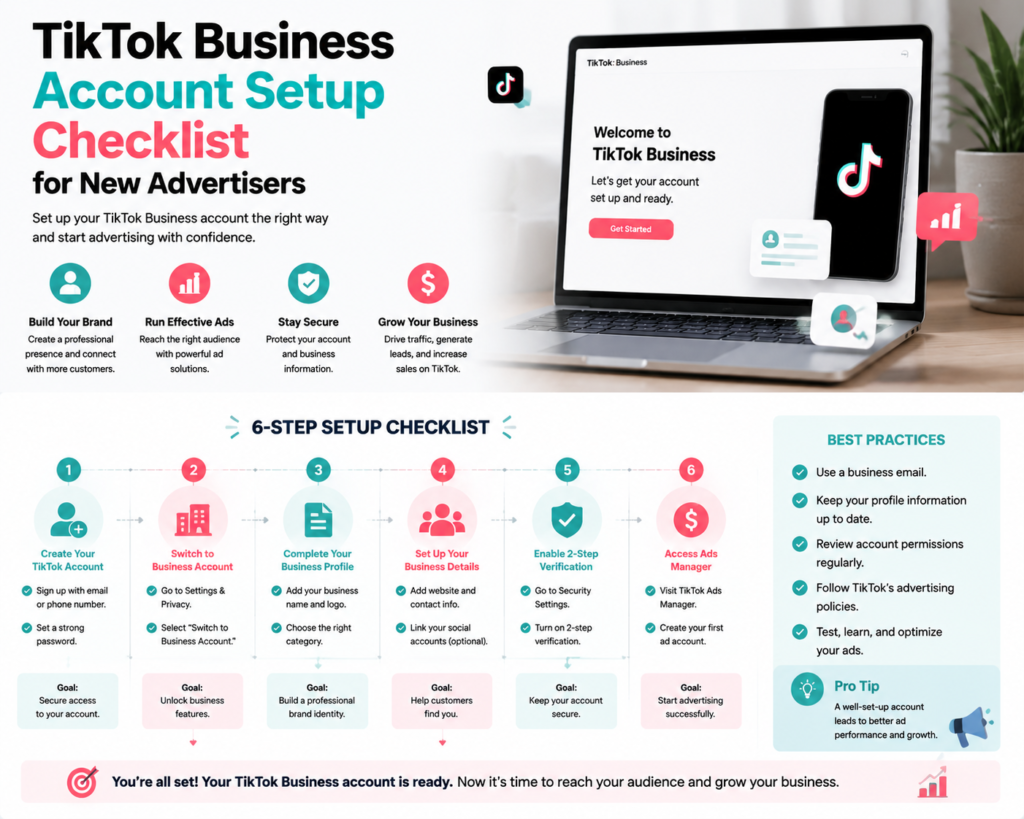
Before creating any campaigns, ensure you have a TikTok Business Account. This allows you to access TikTok Ads Manager and provides tools for analytics and campaign management. Make sure your profile is complete with a logo, business name, and website link.
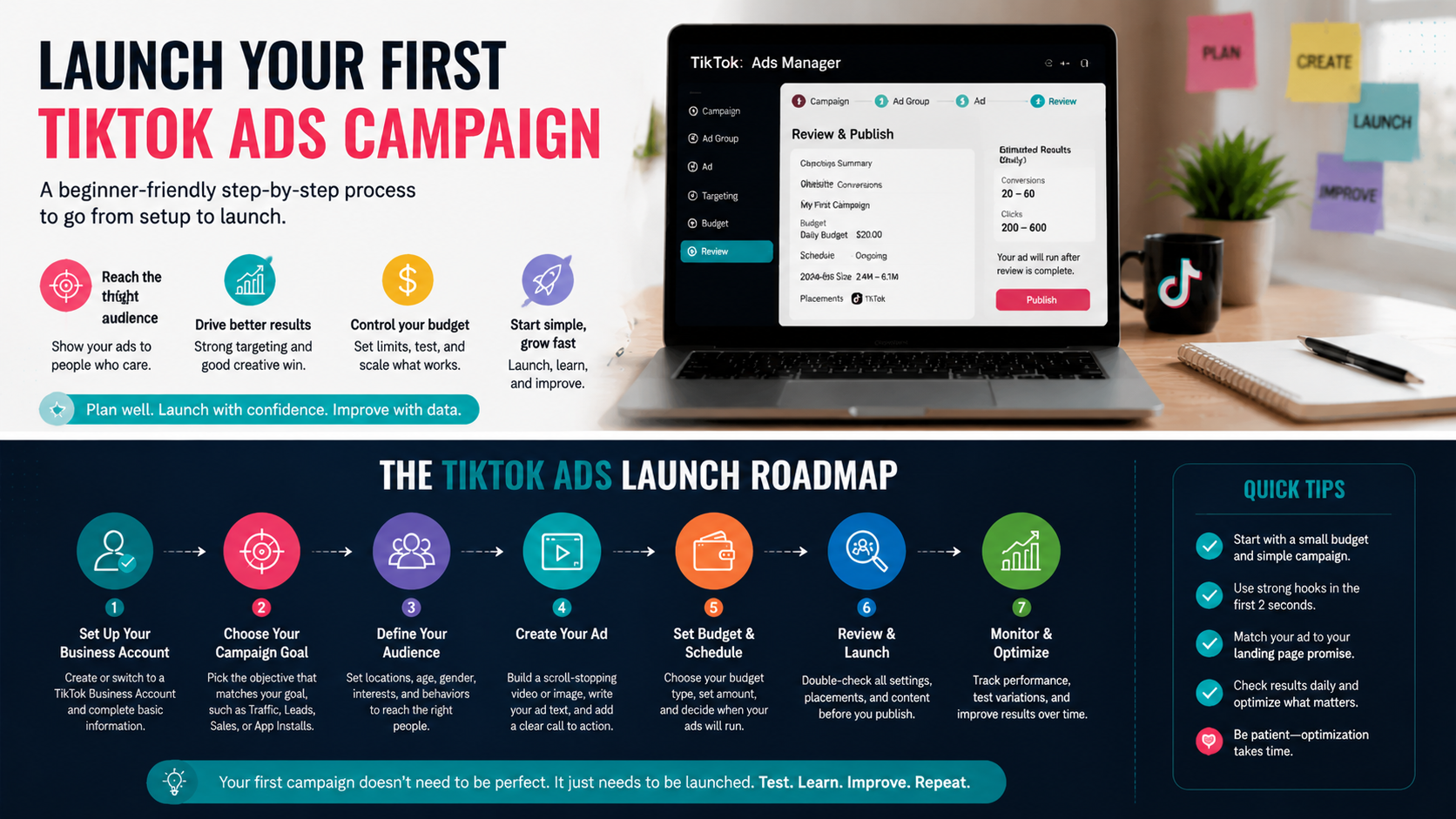
2. Understand Your Campaign Objective
Choose the primary goal for your campaign, which could be:
- Brand awareness
- Website traffic
- App installs
- Sales or lead generation
Your campaign objective determines your ad format, bidding strategy, and optimization.
3. Define Your Target Audience
Effective TikTok campaigns reach the right audience. Consider demographics, interests, behaviors, and location. You can also create custom audiences from website visitors or app users and lookalike audiences for broader reach.
4. Prepare Your Creatives
TikTok favors engaging, authentic video content. Prepare your creatives in advance, including:
- Short vertical videos (9:16) with clear messaging
- High-quality images or graphics if needed
- Compelling captions and call-to-actions
- Multiple variations for A/B testing
Creatives are often the deciding factor in ad performance.
5. Set Up Tracking and Pixel
Install the TikTok Pixel on your website to track conversions and measure campaign performance. Configure standard events such as page views, purchases, and form submissions to optimize your ads.
6. Plan Your Budget and Bidding
Decide on your budget, whether daily or lifetime, and choose an appropriate bidding strategy. TikTok offers options like cost per click (CPC) or cost per mille (CPM). Start small, monitor performance, and adjust as needed.
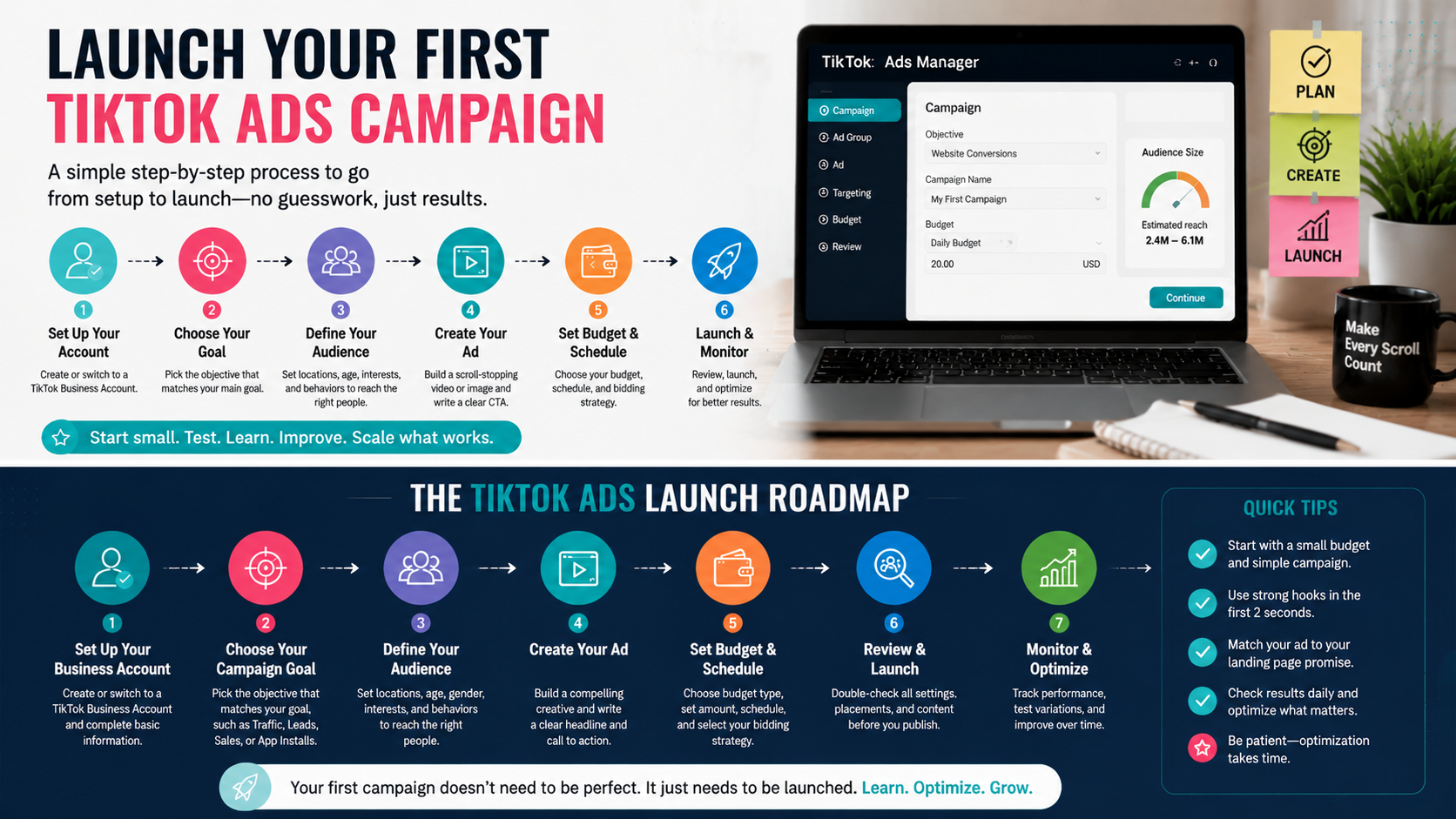
7. Launch Your Campaign
With all elements prepared, create your campaign in TikTok Ads Manager. Follow these steps:
- Select your campaign objective
- Set campaign budget and schedule
- Create ad groups with targeting, placements, and bidding
- Upload your ad creatives
- Review and launch
Monitor your campaign closely, especially during the first few days, and make adjustments based on performance.
Checklist: First Campaign Launch Essentials
- Business Account set up
- Campaign objective defined
- Target audience researched
- Video and image creatives ready
- TikTok Pixel installed and events configured
- Budget and bidding strategy planned
- Campaign structure reviewed
Common Mistakes to Avoid
- Launching without clear objectives
- Skipping audience research
- Using low-quality creatives
- Not tracking conversions
- Over-spending before testing performance
FAQs
Do I need a TikTok Business Account to launch a campaign?
Yes, only a Business Account can access TikTok Ads Manager and run paid campaigns.
Can I repurpose content from other platforms?
Yes, but TikTok prefers native, vertical, and authentic video content tailored to its audience.
How much budget should I start with?
Start small to test performance. Adjust based on results and return on ad spend.
Final Thoughts
Launching your first TikTok Ads campaign is a learning experience. By setting up your account, defining your objectives, preparing creatives, and tracking performance, you position yourself for success. Follow this guide and checklist to launch confidently and optimize campaigns effectively. Explore Growifylab for more resources on TikTok advertising strategies and tips.