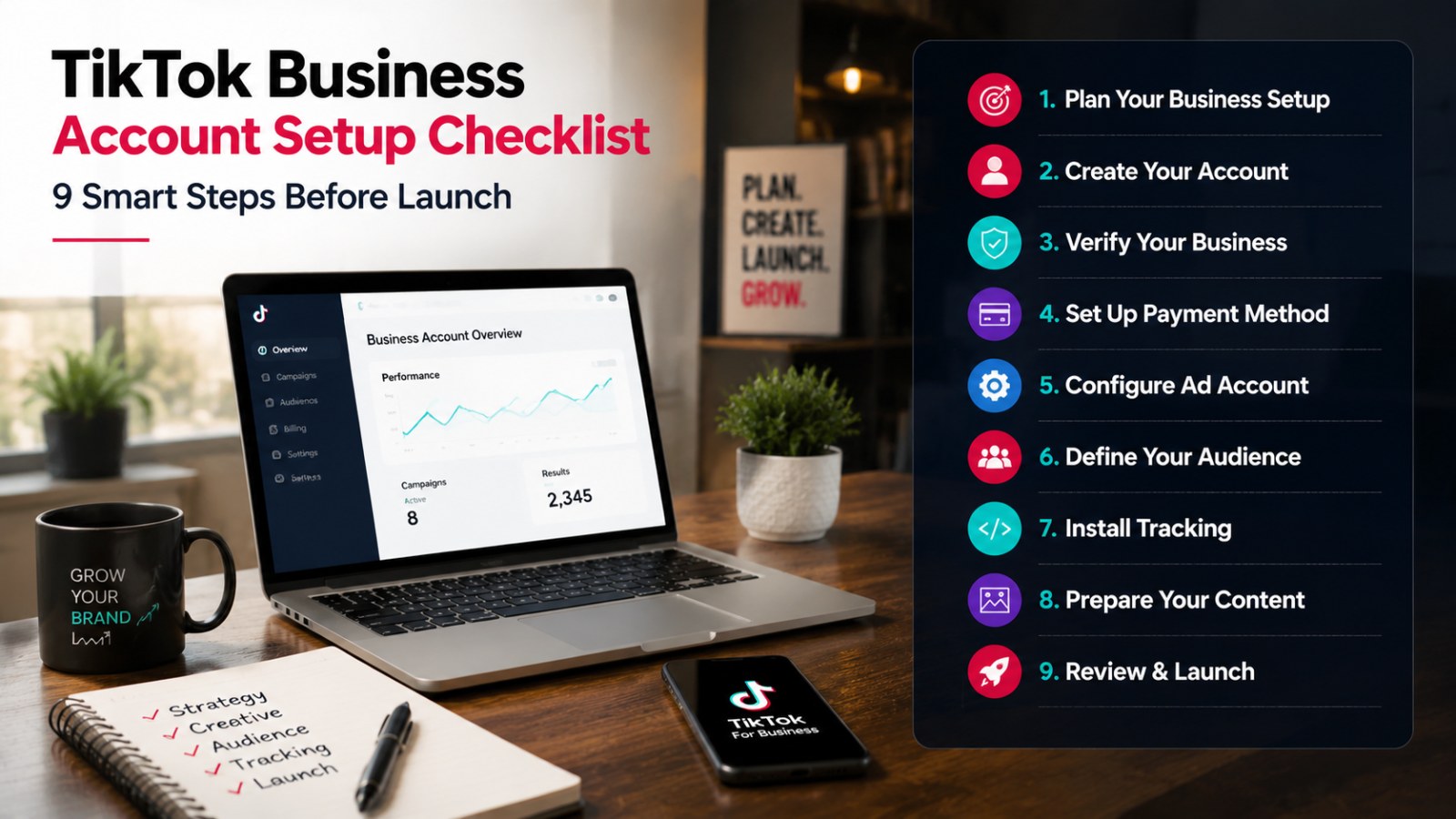
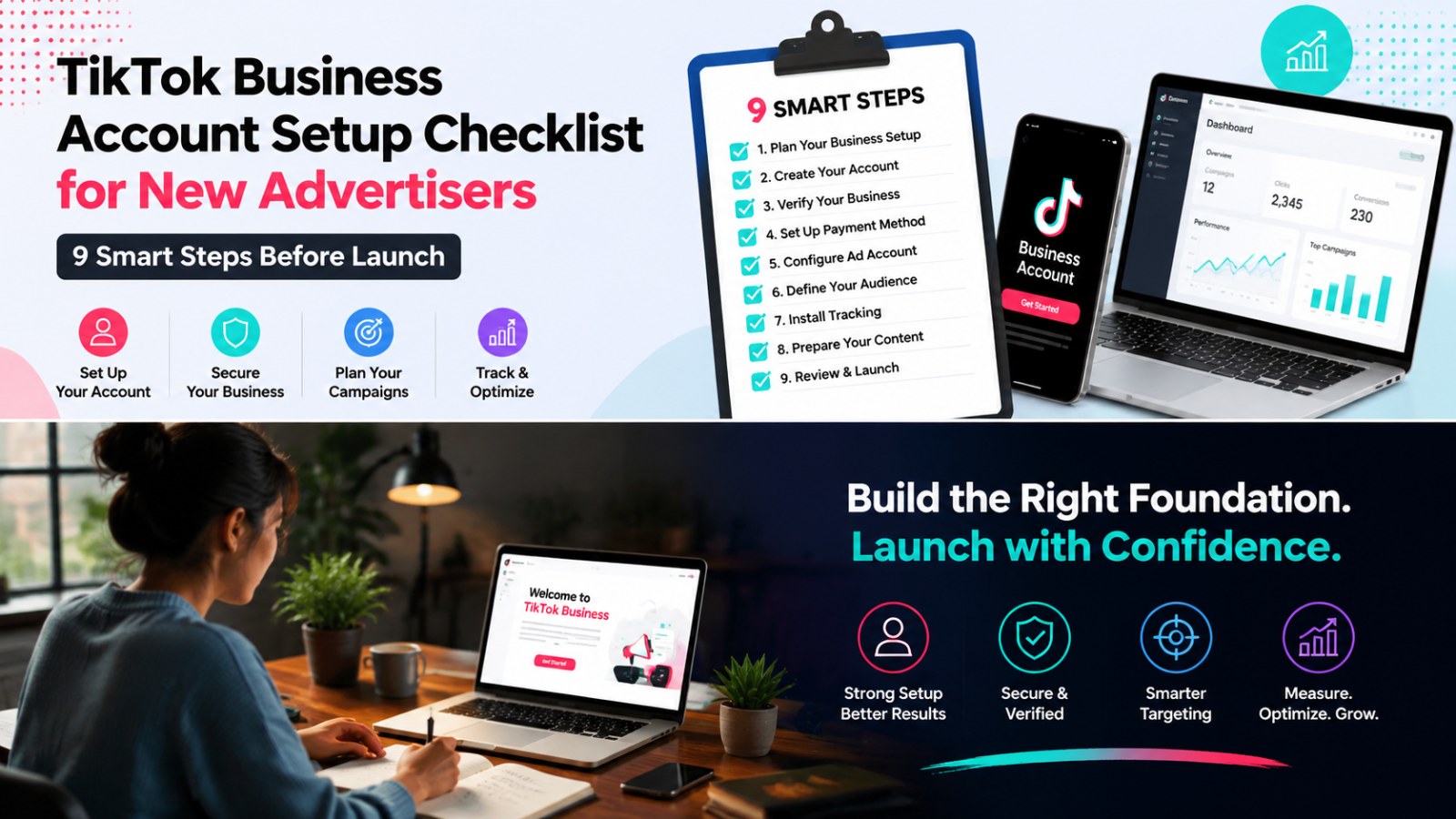
TikTok Business Account Setup Checklist for New Advertisers: 9 Smart Steps Before Launch
Launching a successful advertising campaign on TikTok starts with a properly set up business account. Whether you’re new to TikTok advertising or transitioning from a personal account, following a structured checklist ensures you avoid common pitfalls and position your brand for optimal results. This guide breaks down the TikTok Business Account Setup Checklist into nine smart steps you should complete before going live.
Step 1: Understand Your Objectives
Before creating your TikTok Business Account, clearly define your advertising goals. Are you aiming for brand awareness, lead generation, or driving direct sales? Understanding your objectives influences your account settings, campaign structure, and content approach. Taking the time to clarify your objectives sets a solid foundation for the next steps.
Step 2: Prepare Your Brand Assets
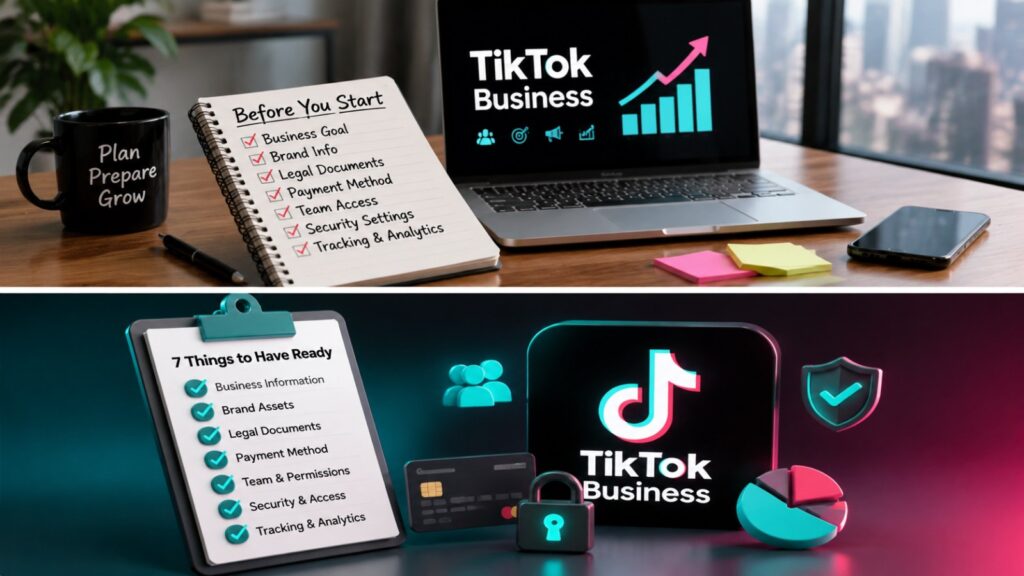
Gather all necessary brand assets, including your logo, profile image, company description, website URL, and contact information. Consistent branding across your TikTok presence ensures users recognize your business immediately. For more details on asset preparation, refer to What to Prepare Before Setting Up a TikTok Business Account.
Step 3: Meet Account Requirements
TikTok requires specific information and compliance measures to open a business account. These include valid business licenses, website verification, and proper contact info. Reviewing TikTok Business Account Requirements before registering saves time and prevents account rejection.
Step 4: Choose the Right TikTok Business Account Type
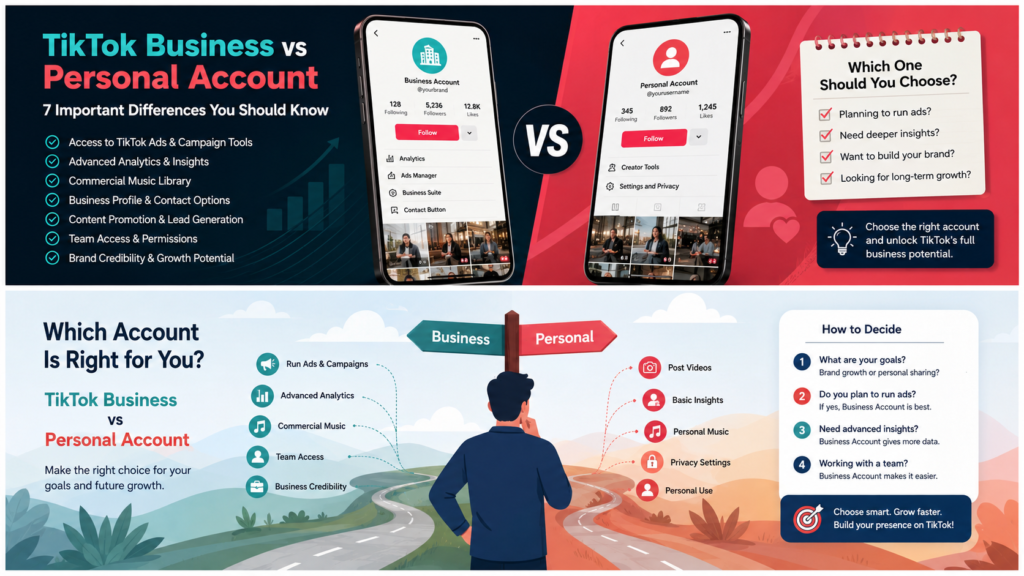
TikTok offers different business account types depending on your goals, such as standard business, creator, or enterprise accounts. Each comes with unique features and access to TikTok Ads Manager tools. Selecting the right account type aligns your strategy with TikTok’s offerings and ensures smooth campaign management.
Step 5: Complete Profile Setup
Fill in all profile details accurately. Include your business name, profile picture, bio, and website link. Make sure your profile represents your brand professionally. A complete and polished profile increases trust among potential customers and improves your ad account credibility.
Step 6: Link Business Center and Ads Manager
Connect your TikTok Business Account to the TikTok Business Center and Ads Manager. This integration centralizes account management, billing, and campaign controls. Ensure your billing info is up to date and that the correct permissions are assigned to team members managing ads.
Step 7: Verify Your Domain
Domain verification proves ownership of your website and is crucial for running ads, tracking conversions, and setting up pixel tracking. Follow TikTok’s guidelines carefully to complete this step. Verified domains allow you to optimize campaigns effectively and gain better insights into audience interactions.
Step 8: Set Up TikTok Pixel and Tracking
The TikTok Pixel is essential for measuring ad performance and optimizing campaigns. Install the pixel on your website to track conversions, retarget audiences, and gain insights into user behavior. Proper pixel setup ensures data accuracy and maximizes the efficiency of your advertising spend.
Step 9: Review Common Setup Mistakes
Before launching, double-check your account setup to avoid common pitfalls such as incomplete profiles, unverified domains, or incorrect billing information. Learn from TikTok Business Account Setup Mistakes to ensure a smooth launch. Performing a final review guarantees your account is fully optimized and compliant with TikTok policies.
Additional Tips for New Advertisers
- Start with clear campaign objectives and budgets.
- Create content that aligns with TikTok trends and your brand voice.
- Leverage TikTok analytics to refine strategies over time.
- Stay informed about platform updates through the TikTok Business Help Center and TikTok For Business resources.
Following these nine steps ensures your TikTok Business Account is set up correctly, giving your campaigns the best chance for success. Adhering to the TikTok Business Account Setup Checklist builds a strong foundation for ongoing marketing efforts and audience engagement.