Common TikTok Business Account Setup Mistakes New Advertisers Should Avoid
Launching your first advertising campaigns on TikTok can be exciting, but many new advertisers stumble due to avoidable errors. Understanding TikTok Business Account Setup Mistakes helps you prevent wasted time and budget, ensuring your campaigns run smoothly from day one.
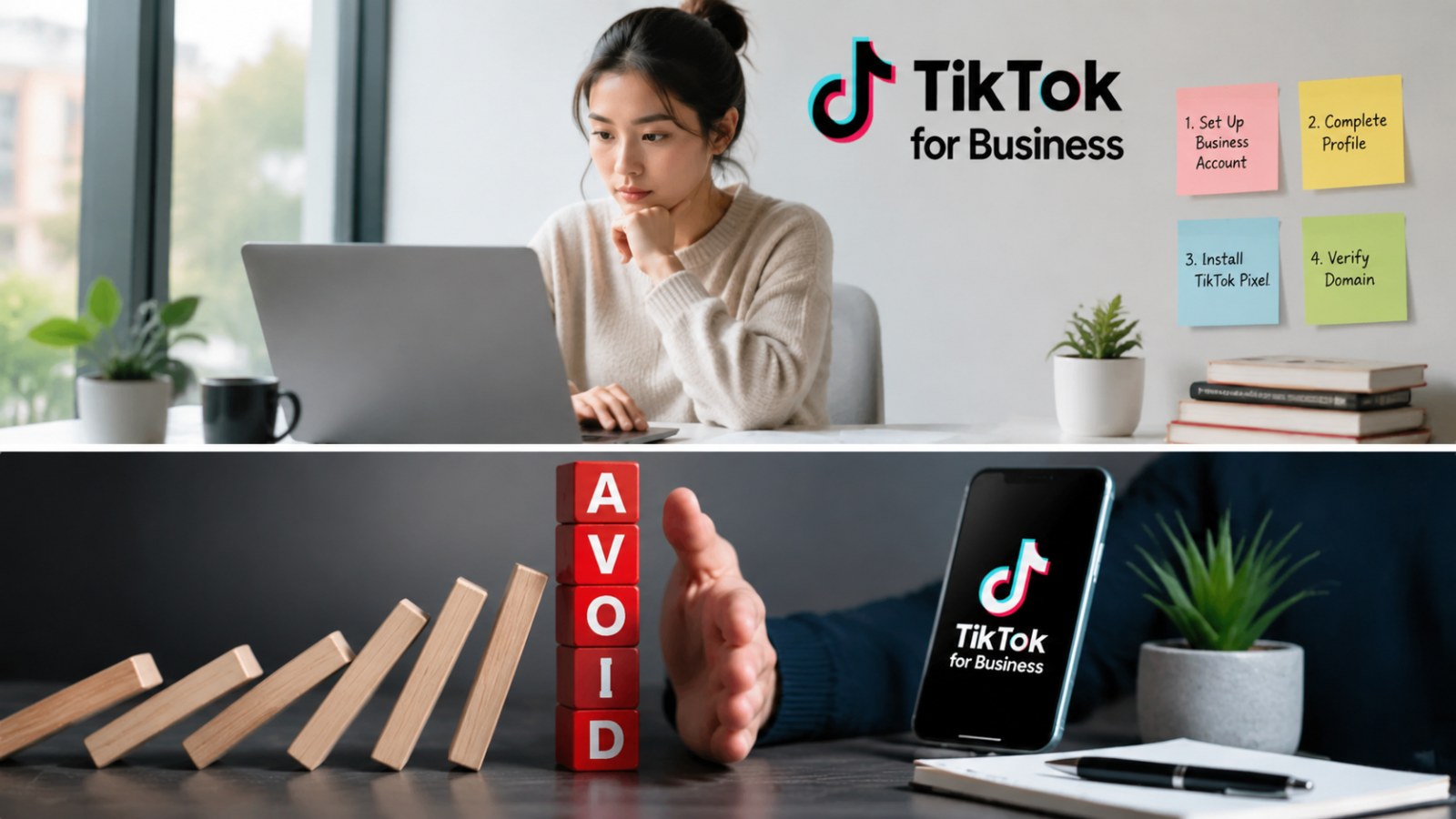
Whether you are setting up a TikTok Business Account Setup Checklist or exploring platform features, knowing the common pitfalls can save you frustration and accelerate results.
1. Confusing Personal and Business Accounts
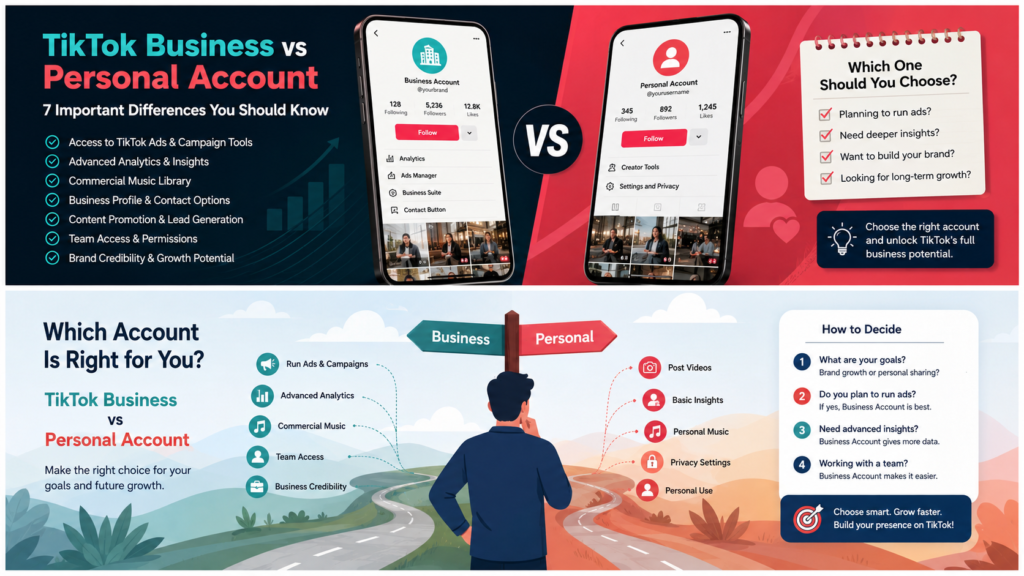
One frequent mistake is attempting to run ads using a personal account. TikTok requires a dedicated business account for advertising features. Mixing personal and business settings can lead to limited access or policy conflicts. For guidance, see our comparison: TikTok Business vs Personal Account.
2. Skipping Verification Steps
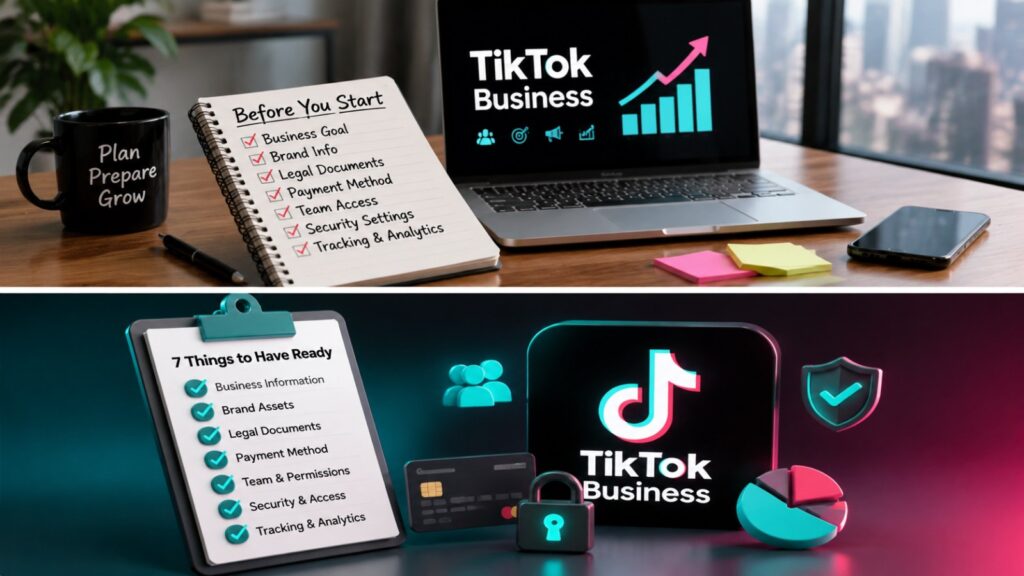
Account verification is essential. Skipping verification or submitting incomplete information can prevent you from running campaigns or accessing advanced tools. Always provide accurate business details and legal documents when prompted. Refer to TikTok Business Account official guidelines for requirements.
3. Incomplete Payment Information
New advertisers often overlook updating payment details. Incorrect billing information can lead to rejected campaigns or paused ads. Always double-check your payment method and currency settings before launching campaigns.
4. Mismanaging Ad Objectives
Choosing the wrong campaign objective is another common mistake. Your ad goals—whether for awareness, traffic, or conversions—must align with your business objectives. Misalignment can lead to poor performance and wasted budget. Familiarize yourself with TikTok’s ad objectives via TikTok For Business.
5. Ignoring TikTok Advertising Policies
Policy violations are a frequent source of frustration. Not reviewing TikTok Advertising Policies can result in ad rejections or account restrictions. Avoid using restricted content, misleading claims, or inappropriate creative assets.
6. Overlooking Account Roles and Permissions
Many new advertisers forget to manage user roles properly. Granting correct permissions ensures team members can manage campaigns without causing conflicts. TikTok offers a role-based access system to assign admin, editor, or analyst privileges accurately.
7. Neglecting Analytics and Pixel Setup
Failing to install the TikTok Pixel or other tracking tools is a critical mistake. Accurate conversion tracking allows you to measure campaign performance and optimize for results. Follow instructions to implement tracking on your website before launching campaigns.
8. Choosing Poor Ad Creative
Your ad creative is central to campaign success. Using generic or low-quality visuals can harm engagement. Invest in compelling, vertical video content tailored to your audience. Creative that aligns with TikTok trends generally performs best.
9. Not Testing Campaigns Gradually
Jumping straight into high-budget campaigns without testing is risky. Start with small budgets, test different audiences, and refine strategies based on performance. Gradual testing helps avoid costly mistakes and improves ROI over time.
10. Overlooking Business Account Requirements
Before launching ads, ensure your account meets all requirements. Review the TikTok Business Account Requirements to avoid errors that prevent campaign approval. Meeting eligibility ensures smoother campaign setup and faster ad delivery.
Conclusion
Avoiding TikTok Business Account Setup Mistakes is key for new advertisers who want to make the most of TikTok’s advertising potential. Verify your account, manage roles correctly, follow policies, and test campaigns gradually to start strong. With careful preparation, your TikTok campaigns can reach the right audience efficiently.
FAQs About TikTok Business Account Setup Mistakes
Can I switch from a personal account to a business account?
Yes, TikTok allows you to upgrade to a business account. Make sure all verification and business details are accurate to avoid errors.
How long does verification take?
Verification timing can vary. It usually takes a few hours to a couple of days, depending on the documents submitted and account activity.
Where can I find TikTok Business help?
Official support is available through the TikTok Business Help Center.