TikTok Business Account Setup Checklist for New Advertisers
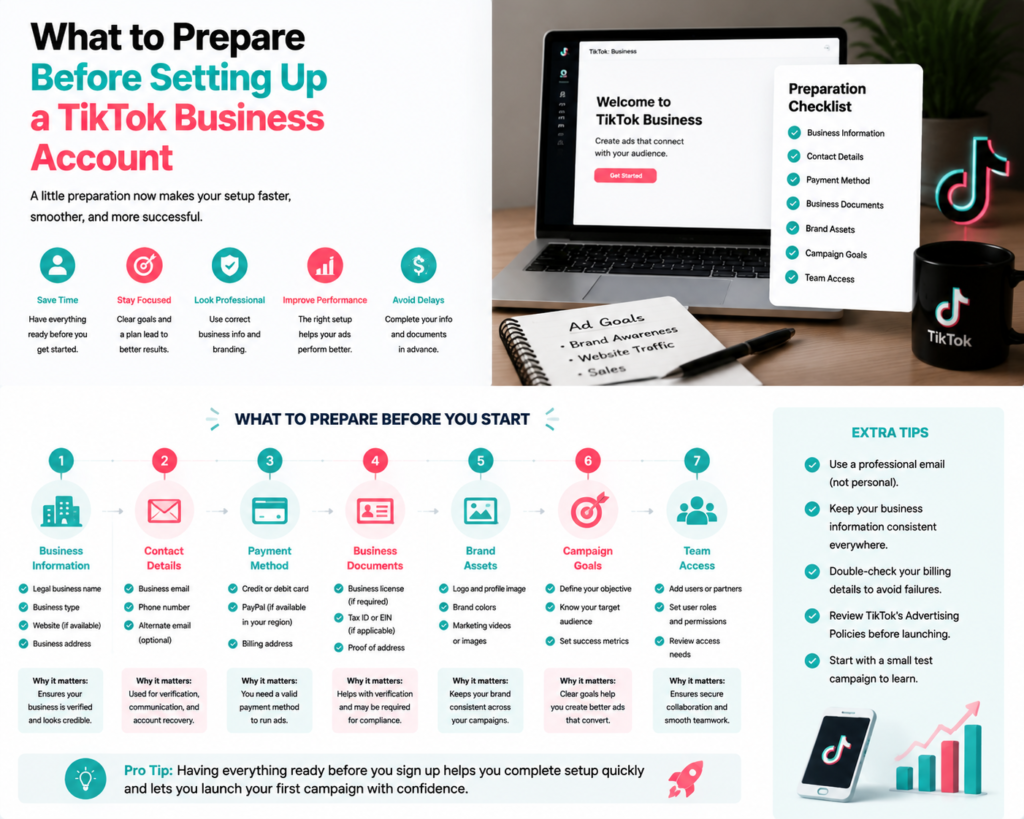
Setting up a TikTok Business account is the first step for new advertisers to launch effective campaigns and reach the platform’s vast audience. A proper setup ensures smooth campaign management, accurate tracking, and better ad performance.
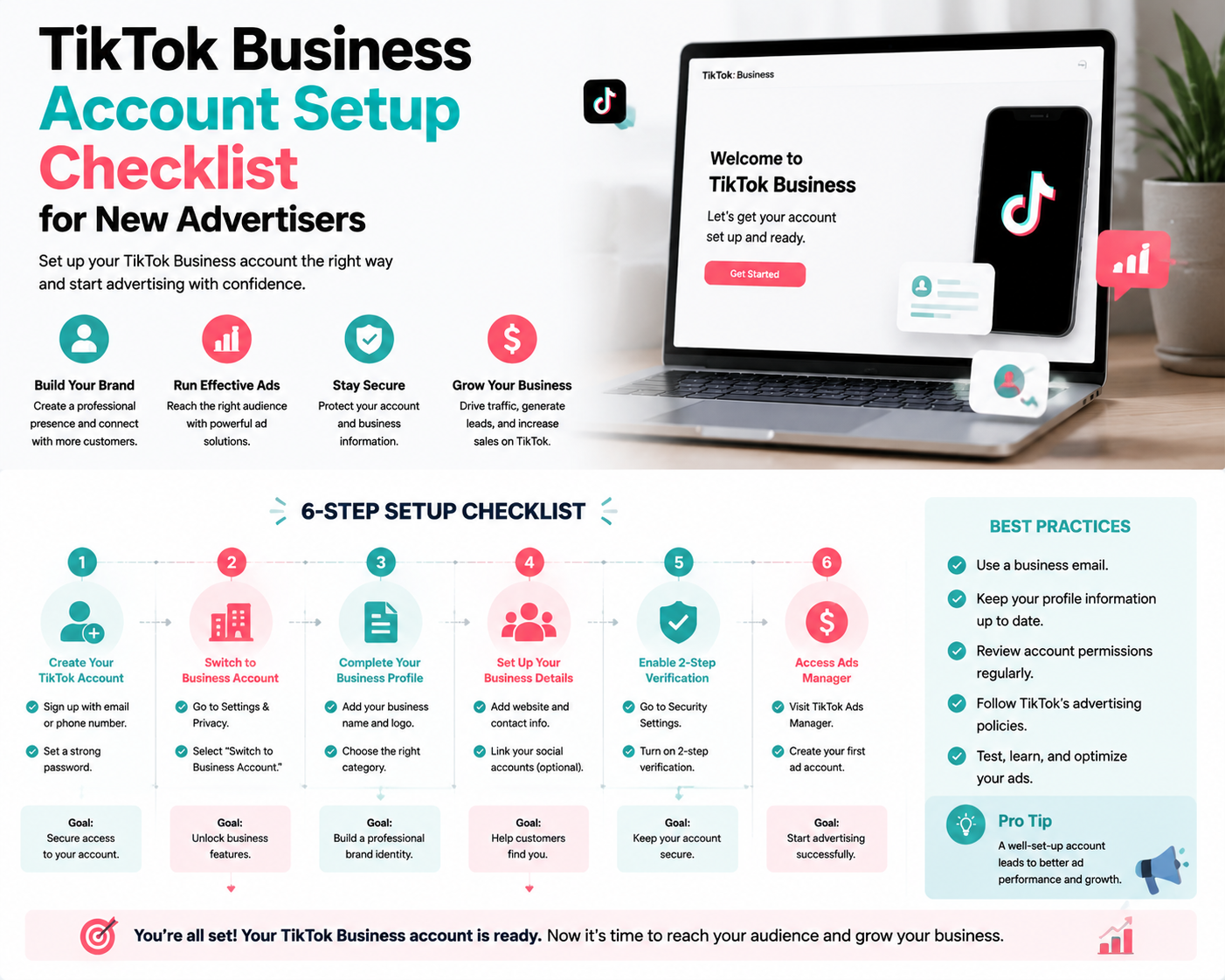
Step 1: Create Your TikTok Business Account
- Sign up on TikTok Ads Manager with your business information.
- Use a business email address for verification.
- Complete your business profile including name, website, and industry.
Step 2: Verify Your Business
- Submit required documents to confirm your business identity.
- Ensure your business phone number and email are active for verification.
- Verification improves trust and unlocks full advertising features.
Step 3: Set Up Payment Method
- Add a valid payment method in TikTok Ads Manager.
- Decide on a budget type: daily or lifetime.
- Confirm that billing information matches your business entity.
Step 4: Install TikTok Pixel
- Install TikTok Pixel on your website to track conversions and user behavior.
- Use TikTok Pixel Helper or your CMS integration for accurate setup.
- Test the Pixel to ensure it’s firing correctly.
Step 5: Configure Account Settings
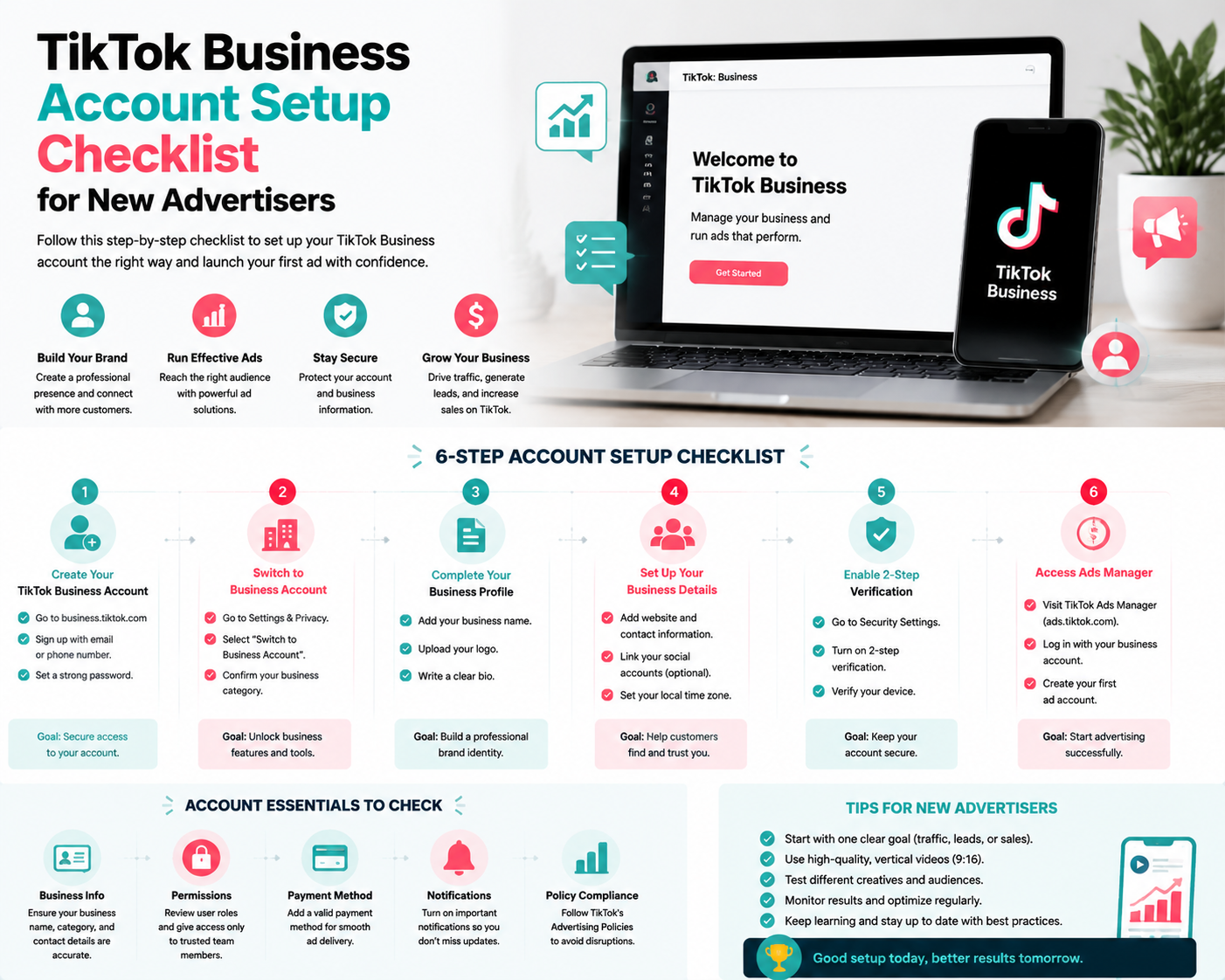
- Set up time zone and currency preferences.
- Enable notifications for performance alerts.
- Grant user roles and permissions for your team.
Step 6: Review TikTok Advertising Policies
- Familiarize yourself with TikTok ad policies and community guidelines.
- Ensure your creatives comply to avoid disapprovals.
- Regularly review updates to policies.
Step 7: Ready for Your First Campaign
- Create your first campaign with clear objectives (traffic, conversions, or app installs).
- Choose the right audience targeting and placements.
- Upload high-quality creatives aligned with TikTok trends.
FAQs
Q: Can I start advertising before business verification?
A: Some features may be limited until verification is complete.
Q: Do I need a TikTok Pixel?
A: While optional, using the Pixel enhances tracking and optimization.
Q: What payment methods are accepted?
A: TikTok accepts major credit cards, PayPal in certain regions, and local payment options depending on location.
Final Thoughts
Following this checklist ensures your TikTok Business account is fully prepared for advertising success. Proper setup, verification, and tracking enable new advertisers to launch campaigns efficiently and maximize ROI. Growifylab provides additional guidance to simplify TikTok account setup and campaign management for beginners.