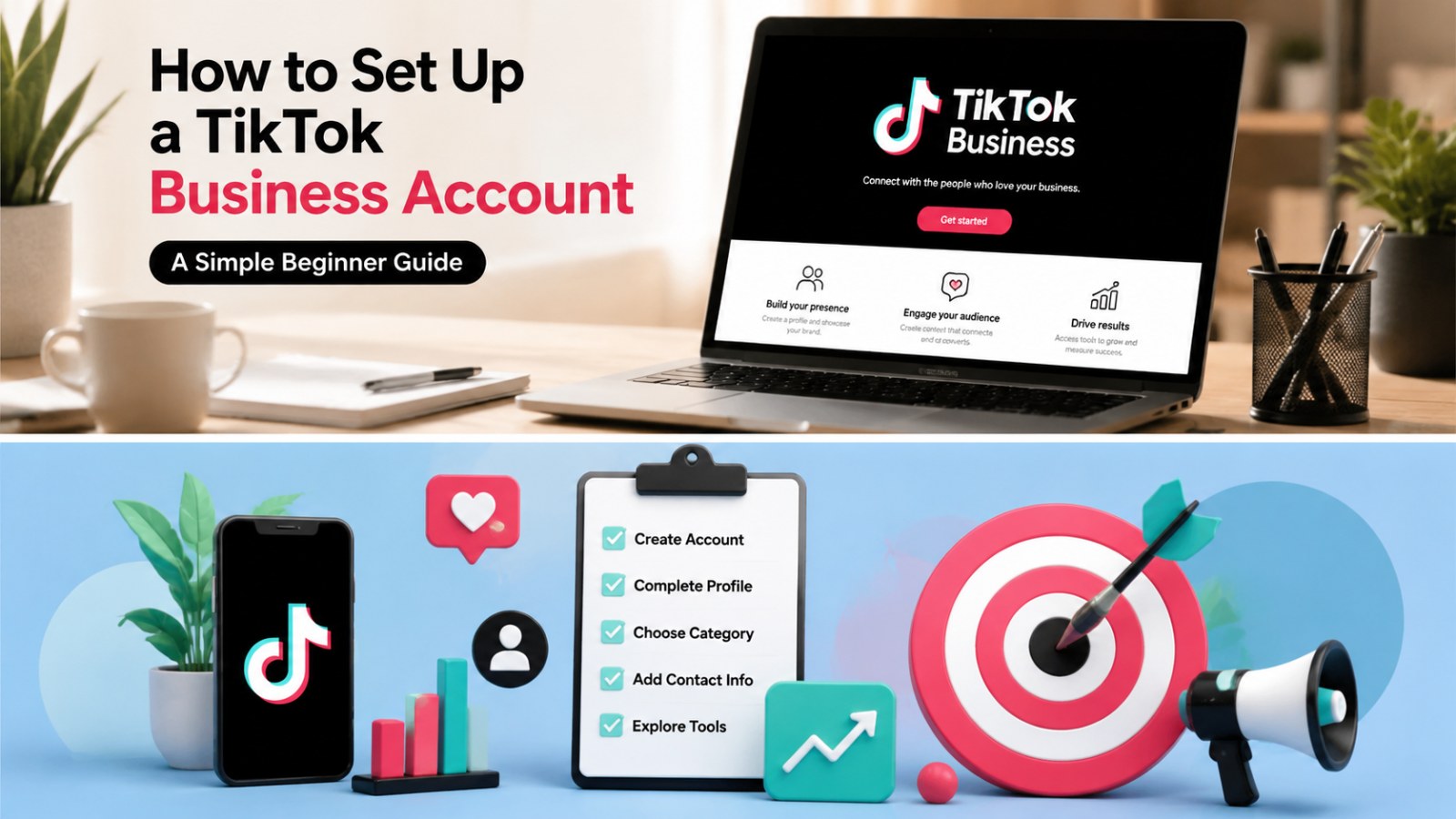
How to Set Up a TikTok Business Account: Beginner Guide

If your brand is getting ready to use TikTok for content, paid traffic, lead generation, or ecommerce growth, the first step is understanding how the TikTok business setup works. A TikTok Business Account gives your brand a public business profile with commercial tools, contact options, analytics, and access to features designed for companies and marketers.

But beginners often run into one confusing point: a TikTok Business Account is not exactly the same thing as a TikTok Ads Manager account. You may also hear terms like TikTok for Business, Business Center, ad account, Business Suite, and Pixel. They are connected, but they do different jobs.

This guide breaks the process down in plain language so you can set up the right account structure before launching ads.

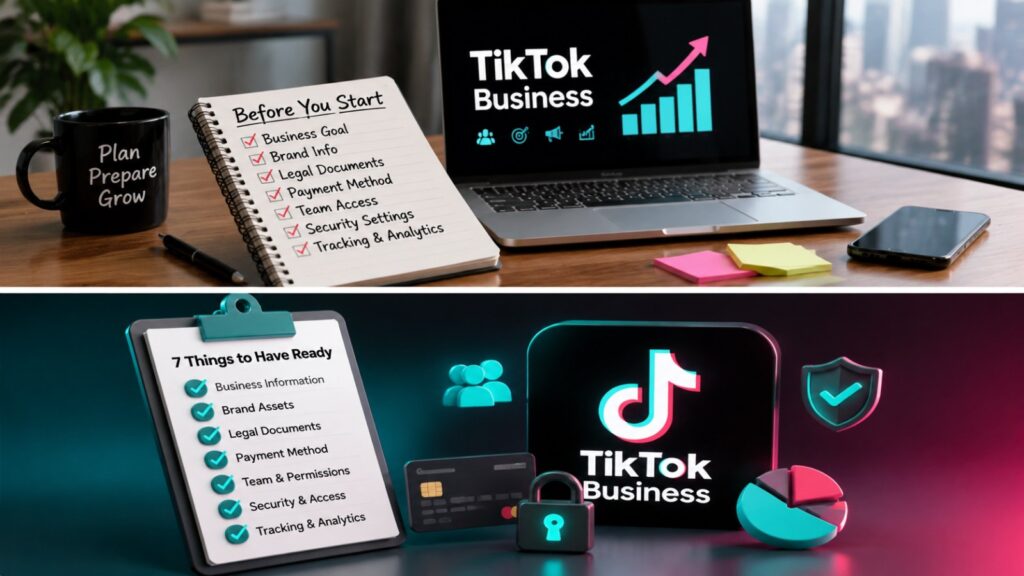
TikTok Business account setup checklist

Image alt text: TikTok Business account setup checklist for beginners before opening Business Center and Ads Manager.

What Is a TikTok Business Account?

A TikTok Business Account is a public TikTok profile made for brands, companies, agencies, local businesses, creators promoting a service, and advertisers. It gives you business-oriented tools that are not always available on a personal account.

Depending on your market and account status, a Business Account may help you access:

  • Business profile contact details
  • Website link or business page features
  • Business analytics
  • Commercial Music Library access
  • Business Creative Hub
  • Post scheduling
  • Lead generation tools
  • Business verification options
  • Easier connection between your organic TikTok profile and paid ad activity

For paid advertising, you will also need TikTok Ads Manager or a TikTok ad account. The Business Account is your brand-facing TikTok profile. Ads Manager is the platform where you create campaigns, ad groups, ads, budgets, audiences, and tracking.

TikTok Business Account vs TikTok for Business vs Business Center

Before you start, it helps to separate the main account types:

TikTok Business Account is the TikTok profile people can visit in the app. This is where your videos, bio, profile image, contact details, and business profile features live.

TikTok for Business account is the login account used to access business products such as TikTok Business Center and TikTok Ads Manager.

TikTok Business Center is a workspace for managing business assets. It can help you organize users, partners, TikTok accounts, ad accounts, pixels, catalogs, and permissions.

TikTok Ads Manager account is where your advertising campaigns are created and managed. This is where you choose campaign objectives, set budgets, define audiences, upload creatives, add tracking, and review performance.

If you are a small business owner, you may start with one Business Account and one Ads Manager account. If you are an agency, multi-brand company, or advertiser working across regions, Business Center becomes more important because it keeps ownership and access organized.

Before You Set Up a TikTok Business Account

Prepare the basics before you switch account type or open an ad account. This is especially important if you plan to advertise, because some Ads Manager fields such as country or region, time zone, and currency can be difficult or impossible to edit later.

Have these items ready:

  • A stable business email address
  • Your business name exactly as you want it to appear
  • Your country or region
  • Your preferred time zone
  • Your billing currency
  • A working business website or landing page
  • A business phone number or primary contact
  • A clear profile image or logo
  • A short bio that explains your offer
  • Your first advertising objective, such as traffic, leads, sales, or app installs

If you are planning to run TikTok Ads, also prepare your landing page, product page, privacy policy, payment method, creative assets, and basic tracking plan.

Step 1: Create or Choose Your TikTok Profile

Start with the TikTok profile that should represent your business publicly. You can create a new TikTok account or use an existing personal account and switch it to a Business Account.

For most brands, it is cleaner to use a dedicated brand account rather than a founder’s personal account. Choose a username that is easy to recognize, consistent with your domain or brand name, and unlikely to change later.

Before switching to a business account, check:

  • Is the username brand-safe?
  • Does the profile image look professional at small size?
  • Is the bio clear in one sentence?
  • Does the account match the country or market you actually serve?
  • Will this account be used by a team, agency, or only one person?

Step 2: Switch to a TikTok Business Account

You can switch from a personal TikTok account to a Business Account in the TikTok app or on TikTok web.

On the mobile app:

  1. Open TikTok and log in.
  2. Tap Profile.
  3. Tap the menu icon.
  4. Go to Settings and privacy.
  5. Tap Account.
  6. Choose Switch to Business Account.
  7. Select the category that best describes your business.
  8. Complete the setup.

On desktop web:

  1. Go to TikTok.com and log in.
  2. Open your profile settings.
  3. Find the Business Account option.
  4. Turn on Business Account.
  5. Choose the business category.
  6. Complete the switch.

After the switch, review your profile again. Add business contact details where available, update your bio, and make sure your profile represents the offer you want people to remember.

Step 3: Optimize Your TikTok Business Profile

Your profile should quickly answer three questions:

  • Who are you?
  • What do you help people do?
  • What should visitors do next?

Use a clean logo or founder image, write a direct bio, and avoid vague claims. If your website link or Business Page features are available, connect the right landing page. If a website link is not available yet, keep your profile CTA simple and use your videos to direct people to the next step that is available in your market.

For example, a beginner-friendly TikTok ads profile might use a bio like:

TikTok Ads setup guides for businesses. Learn account setup, campaign basics, and launch checklists.

The best profile is not the longest one. It is the one that makes the account’s purpose obvious.

Step 4: Create a TikTok for Business Login

If you want to manage ads or Business Center assets, you need a TikTok for Business login. This is the login you use for business tools, including TikTok Ads Manager and TikTok Business Center.

Use an email address that your business controls. Avoid using a temporary contractor email or a personal inbox that could become unavailable later. If your team grows, you can add members and permissions through Business Center instead of sharing one login.

Step 5: Set Up TikTok Business Center

TikTok Business Center is the central place to manage business assets and permissions. It is especially useful if more than one person will work on your TikTok marketing.

To set up Business Center, you generally need to:

  1. Log in with your TikTok for Business account.
  2. Choose whether you are an advertiser or agency.
  3. Select your country or region.
  4. Enter your business name.
  5. Confirm the Business Center name.
  6. Check the time zone and currency.
  7. Create the Business Center.

Take this step slowly. The business name, country or region, time zone, and currency should match your real business and advertising needs.

TikTok Business Center to TikTok Ads Manager setup flow

Image alt text: TikTok Business Center to TikTok Ads Manager setup flow with ad account, payment, tracking, and campaign steps.

Step 6: Create or Connect a TikTok Ads Manager Account

Once your Business Center is ready, the next step is preparing your ad account. A TikTok Ads Manager account lets you create campaigns and manage paid advertising.

New advertisers usually need to provide:

  • Company website
  • Country or region
  • Industry
  • Legal business name
  • Time zone
  • Phone number
  • Currency
  • Contact name and email
  • Billing and payment information
  • Business verification documents, if requested

Your ad account may be submitted for review. In many cases, TikTok says account reviews take less than 24 hours, but timing can vary by market, business type, and documentation quality. You can prepare campaigns before approval, but ads will not run until the account is approved.

Step 7: Add Billing, Payment, and Tax Details

After the ad account is created, complete billing setup. The exact payment methods and tax fields depend on your country or region.

Before adding payment, make sure the currency is correct. TikTok’s help documentation notes that country or region, time zone, and currency cannot usually be edited once the ad account is created. If those details are wrong, you may need to create another account or contact support.

Step 8: Connect Your TikTok Account for Ad Identity

If you want your ads to appear from your brand’s TikTok profile or use Spark Ads, connect the relevant TikTok account to your business setup. This helps align your organic profile with paid promotion.

This is useful when:

  • You want ads to use your brand profile identity.
  • You plan to promote existing organic posts.
  • A team or agency needs permission-based access.
  • You want cleaner management between content and paid media.

Be careful with access. Do not share passwords with agencies or freelancers. Use Business Center permissions instead.

Step 9: Prepare Tracking Before Launching Ads

If your goal is sales, leads, sign-ups, or website conversions, do not launch without a tracking plan. TikTok Pixel, Events API, app events, or supported third-party measurement can help you understand what happens after someone clicks your ad.

At a minimum, decide:

  • Which page should users land on?
  • What conversion event matters most?
  • Do you need lead form tracking, purchase tracking, or app event tracking?
  • Are UTM parameters added to the destination URL?
  • Is your privacy policy visible on the landing page?

Good tracking will not fix a weak offer, but weak tracking can hide what is actually working.

Step 10: Plan Your First TikTok Campaign

Before you spend money, write down the basic campaign plan:

  • Objective: traffic, leads, sales, app installs, or awareness
  • Audience: who you want to reach
  • Offer: what you want them to do
  • Budget: daily or lifetime budget
  • Creative: short videos, product demos, founder clips, testimonials, or UGC-style ads
  • Landing page: where the click goes
  • Measurement: how success will be judged

Beginners should usually start simple. One clear offer, a focused audience, and multiple creative angles are often easier to learn from than a complicated campaign structure.

Common TikTok Business Account Setup Mistakes

Using the wrong country, time zone, or currency. These fields matter for billing, reporting, and account structure. Check them before confirming the ad account.

Using a personal email as the main business login. If the person leaves the business, you may create unnecessary access problems.

Confusing Business Account with Ads Manager. A Business Account is your public profile. Ads Manager is where paid campaigns run.

Launching ads before the landing page is ready. A weak landing page can waste budget even if the ad creative is strong.

Ignoring account review and policy requirements. Sensitive industries, unclear websites, missing contact details, or mismatched business names can slow down approval.

Sharing passwords instead of using permissions. Business Center exists so you can grant and revoke access safely.

Do You Need Help Opening or Preparing a TikTok Ads Account?

If you are setting up TikTok Business tools for the first time, the hardest part is often not clicking the right buttons. It is choosing the right account structure, preparing the right information, and avoiding setup details that cause approval or billing problems later.

Growifylab publishes independent TikTok Business and TikTok Ads resources for advertisers who want a cleaner setup before launching campaigns. If you are comparing TikTok Ads account setup options, Business Center structure, or launch preparation, review our TikTok Ads setup resources before you start.

Recommended next reads:

  • TikTok Ads Manager Explained for Beginners
  • TikTok Ads Launch Checklist for New Advertisers
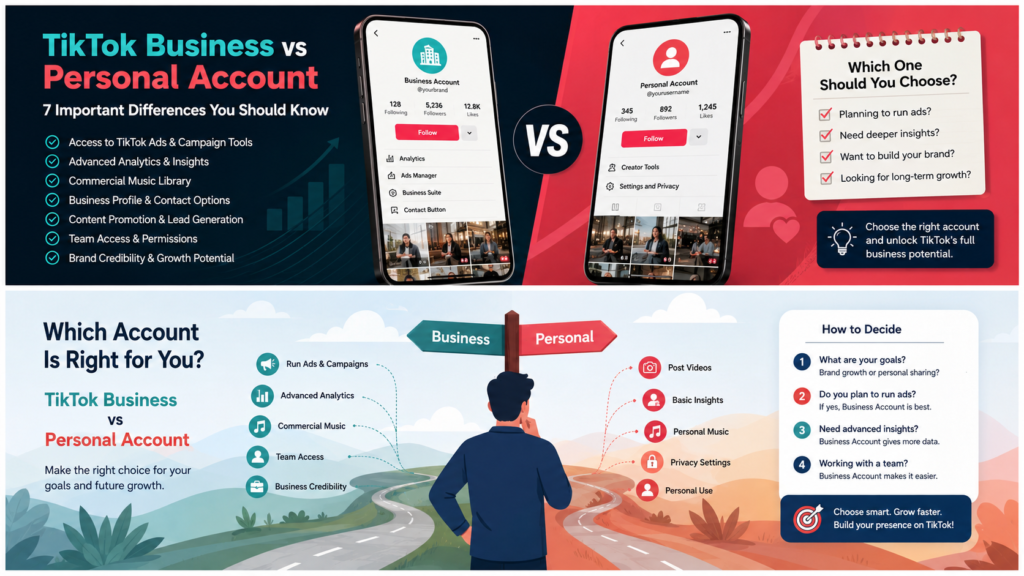
  • TikTok Business vs Personal Account: Which One Should You Use?

FAQ: TikTok Business Account Setup

Is a TikTok Business Account free?

Yes. Switching to a TikTok Business Account is free. Running ads through TikTok Ads Manager requires an advertising budget and a valid payment method.

Do I need a company to create a TikTok Business Account?

You can switch a TikTok profile to a Business Account, but some advanced business, advertising, verification, or billing features may require business information or documents. Requirements vary by market and account type.

Is a TikTok Business Account the same as TikTok Ads Manager?

No. A TikTok Business Account is your public profile. TikTok Ads Manager is the advertising platform used to create and manage paid campaigns.

Can I switch back to a personal account later?

TikTok allows users to switch account type, but switching back can remove access to business-specific profile features and analytics tools. Avoid switching back and forth unless you have a clear reason.

How long does TikTok Ads Manager approval take?

TikTok says most ad account reviews take less than 24 hours, but review timing can vary. Make sure your business information, website, billing details, and verification documents are accurate.

What should I prepare before launching my first TikTok ad?

Prepare your offer, landing page, campaign objective, audience idea, video creatives, payment method, tracking setup, and account review information. A complete setup makes the first campaign easier to diagnose.

Final Thoughts

Setting up a TikTok Business Account is simple when you only need a business profile. The process becomes more important when you plan to advertise, manage multiple users, or connect your TikTok profile with Ads Manager.

Start with the right brand profile, create a reliable TikTok for Business login, organize assets in Business Center, set up Ads Manager carefully, and confirm your billing and tracking before launch. That foundation gives your first TikTok campaign a much better chance of producing useful data instead of messy account problems.

Leave a Comment

Your email address will not be published. Required fields are marked *

Scroll to Top