How to Set Up a TikTok Business Account: A Simple Beginner Guide
Starting a TikTok Business Account is easier than you might think. Whether you’re a small business owner, content creator, or marketer, TikTok offers an incredible platform to reach a wide audience. In this guide, we’ll walk you through the entire process step by step, so even if you’re new, you can get started quickly and efficiently.
Why Choose a TikTok Business Account?
Unlike personal TikTok accounts, a business account gives you access to advanced analytics, advertising options, and promotional tools. With a business account, you can track performance metrics, optimize your content for engagement, and run campaigns directly within the TikTok platform. This is essential for anyone serious about leveraging TikTok for marketing and brand growth.
What You’ll Need Before You Start
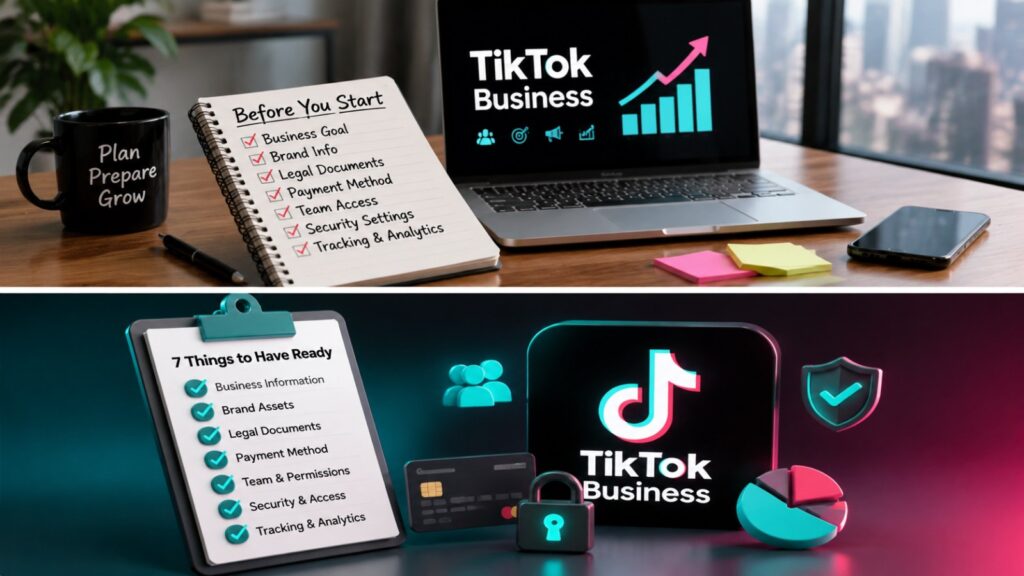
Before setting up your account, make sure you have a few essentials ready. If you want a complete preparation checklist, check out What to Prepare Before Setting Up a TikTok Business Account and TikTok Business Account Setup Checklist.
- A TikTok personal account (optional, but helps in converting to business)
- A business email or phone number
- Business information: name, logo, website, and industry category
- Brand assets: profile picture, banner, and short bio
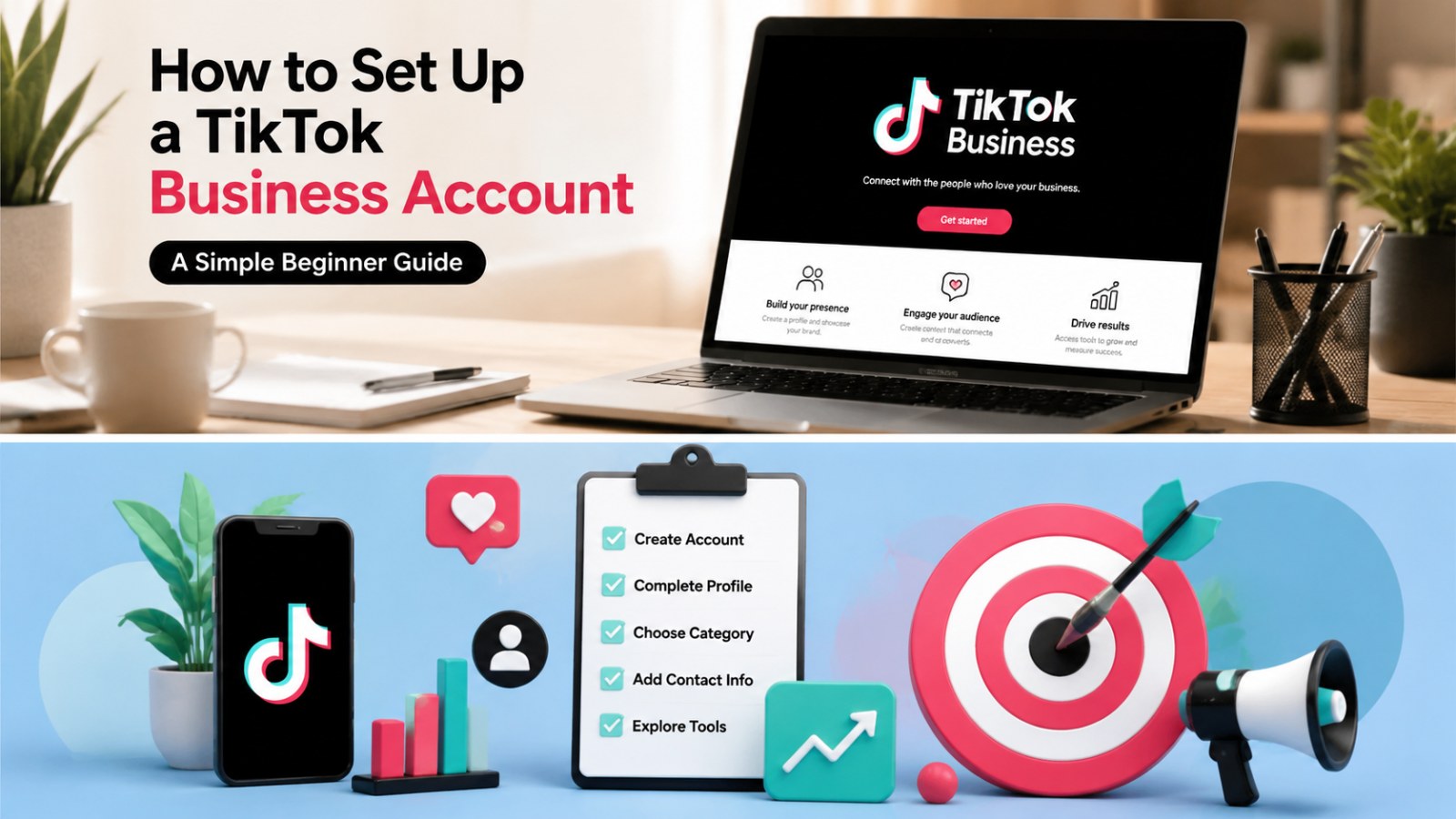
Step 1: Create or Log Into a TikTok Account
If you don’t already have a TikTok account, download the TikTok app from the App Store or Google Play. Sign up using your email, phone number, or social login (Google, Facebook, or Apple). If you already have an account, simply log in. Remember, you can convert a personal account to a business account at any time, which can save you from starting from scratch.
Step 2: Switch to a Business Account
Once logged in:
- Go to your profile and tap the three lines in the top-right corner.
- Select Settings and Privacy.
- Tap Account and then Switch to Business Account.
- Choose your industry category and fill in your business details.
For more information about account requirements, see TikTok Business Account Requirements.
Step 3: Optimize Your Profile
Your profile is the first impression visitors will have of your brand. Ensure you:
- Upload a high-quality profile picture, typically your logo.
- Write a clear, concise bio explaining your business.
- Include a link to your website or landing page.
- Customize your TikTok handle to match your brand identity.
Step 4: Explore TikTok Business Tools
Once your business account is active, take advantage of TikTok’s built-in tools:
- Analytics: Track your video performance and audience engagement.
- Creative Center: Explore trending content ideas and inspiration.
- Ad Manager: Run campaigns and monitor ad performance.
- TikTok Business Center: Manage multiple accounts and ad access efficiently. Learn more at TikTok Business Center.
Step 5: Decide Between Business and Personal Account
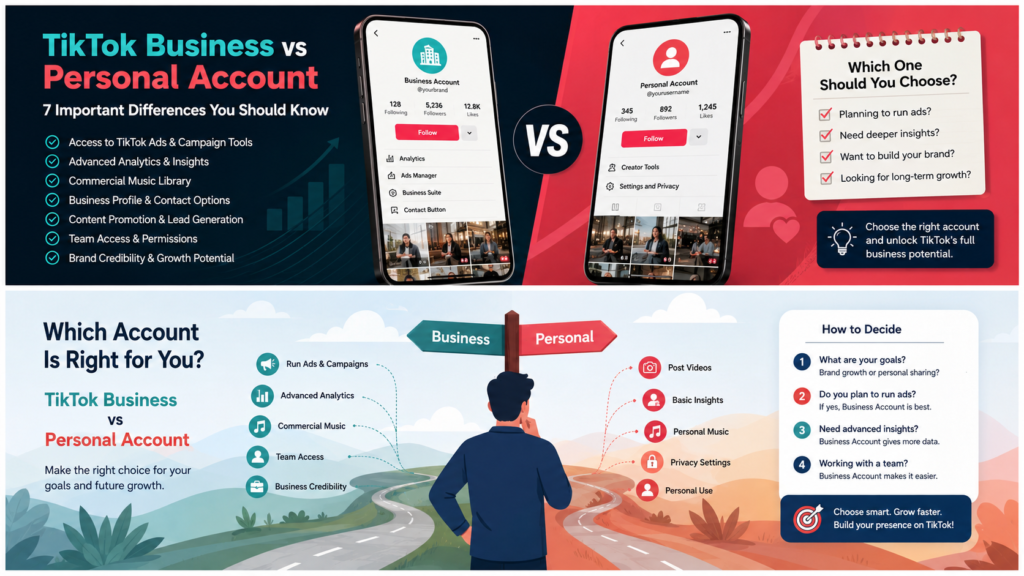
While business accounts offer professional tools, some creators prefer personal accounts for casual content. Compare features at TikTok Business vs Personal Account to determine which works best for your goals.
Step 6: Start Creating Content
Now that your account is set up, start posting engaging content that resonates with your audience. Use trending sounds, participate in challenges, and keep videos short and engaging. Leverage analytics to refine your strategy over time.
Step 7: Access TikTok Business Resources
For ongoing support and tips, visit the TikTok Business Help Center and TikTok For Business. These resources offer insights into advertising, analytics, and creative best practices.
Tips for Beginners
- Be consistent with posting.
- Engage with your audience through comments and duets.
- Use hashtags strategically to increase discoverability.
- Monitor trends and adapt content quickly.
Conclusion
Setting up a TikTok business account is straightforward when you follow the right steps. From account creation to profile optimization and content creation, this guide has covered everything a beginner needs. Start your TikTok business journey today and explore the platform’s full potential.